Design something new
Describe what you need, confirm its size and create a design. Refine it in chat and download the available files.
Start designing ↗AI 3D DESIGN STUDIO
Create a custom 3D model from a description or reference image. Refine it in chat, then download the available files. Generation uses design credits.
Create my 3D design ↗Inspect a measured CAD example: STEP, STL and recorded checks
90 × 50 × 5 mm plate from a local compiler pilot with a replayed hosted call — not a live Studio generation. Physical fit is untested. Plan your measured brief and review export limits.
START DESIGNING
Describe what you need in the Studio, then refine and download your model.
Create my 3D design 10 million credits monthly. $3 first month, then $10/month + tax.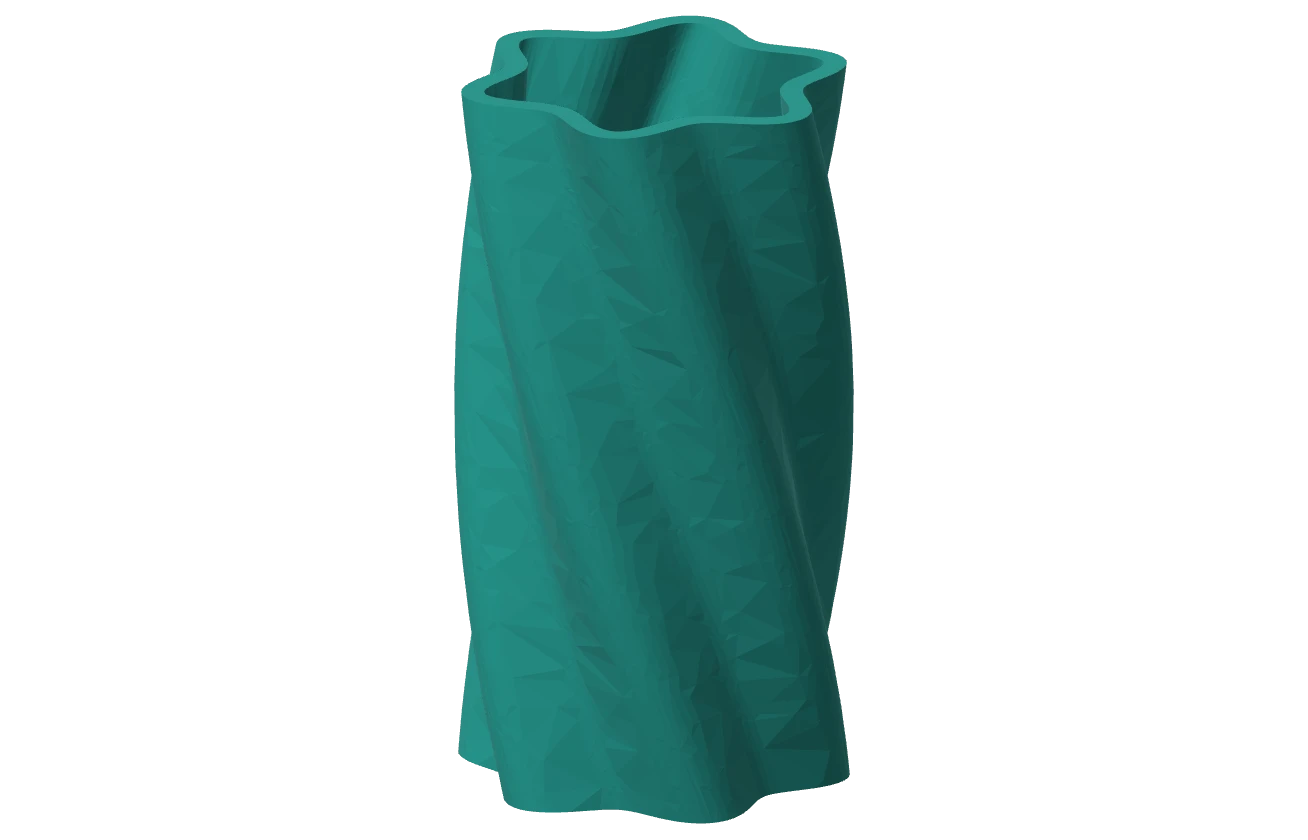
Explore saved models and download example files before you sign up. These are examples of design output, not manufactured products.
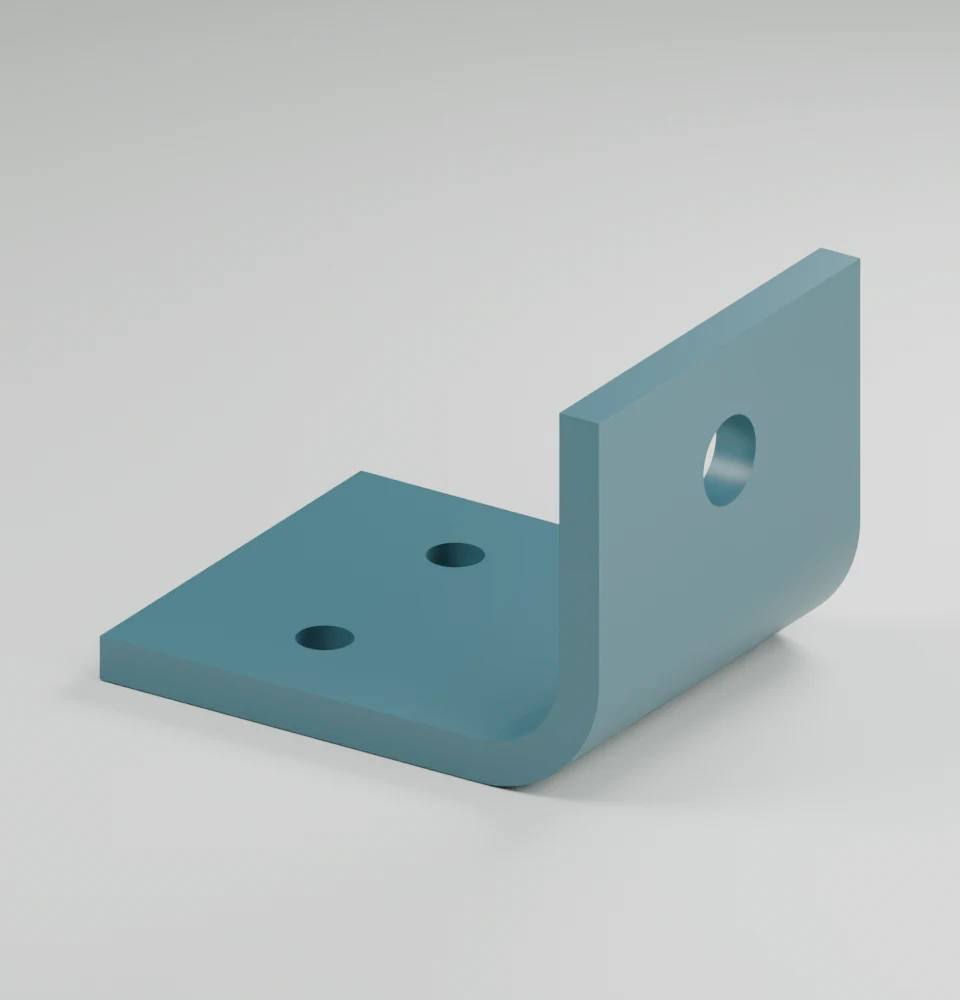
A functional support with shaped geometry.
Explore saved design ↗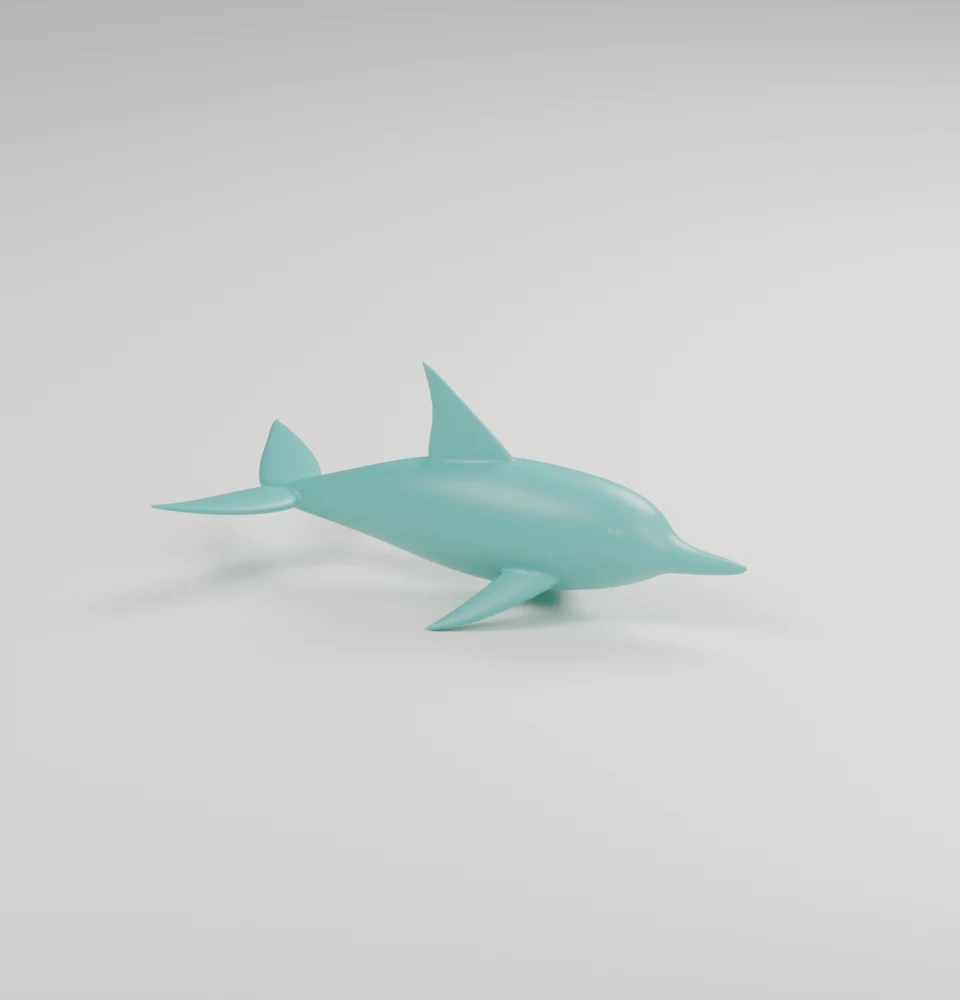
An organic form for a decorative project.
Download example file ↗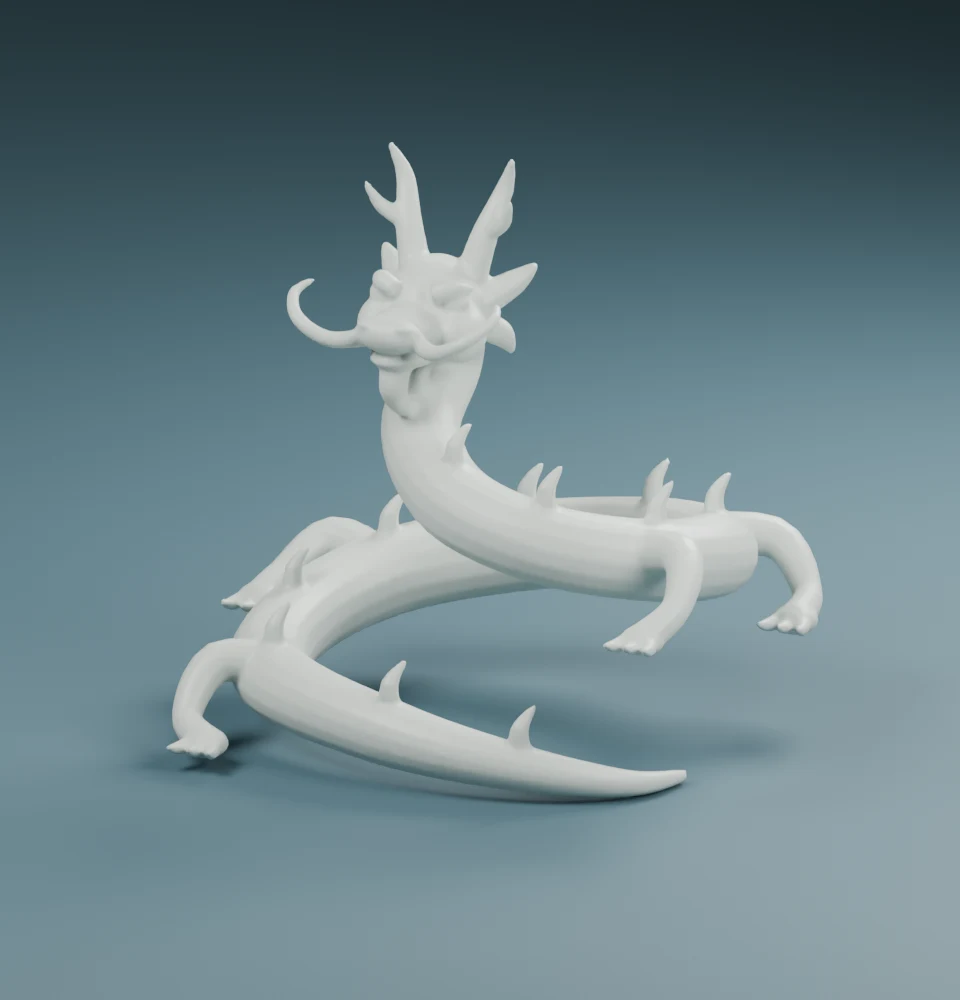
A detailed character with a complex silhouette.
Download example file ↗Inspect a measured 90 × 50 × 5 mm plate: STEP, STL and validation
Local compiler pilot; physical fit untested. Choose an AI-assisted workflow or a CAD professional for your part.
ONE IDEA. YOUR CHOICE OF WHAT COMES NEXT.
Describe what you need, confirm its size and create a design. Refine it in chat and download the available files.
Start designing ↗Bring an STL, STEP or 3MF file to print intake. Payment requires a confirmed quote and enabled fulfillment.
Prepare a print request ↗Use a scoped API key and a funded account for design generation. Creating a design and requesting a print are separate choices.
Set up agent access ↗PAY FOR WHAT YOU USE
Start with 10 million credits for $3 in your first month (70% off), then $10/month. Unused monthly credits expire at renewal. Extra-use top-ups start at $5, keep their balance across months, and receive 10% off above $20, before tax.
Credits measure usage, not a guaranteed number of designs. Consumed AI usage is charged even when a request does not produce a usable model. Printing is priced separately.
First month for new subscribers, then $10/month for 10 million credits. Cancel anytime. Applicable tax is added.
Start monthly plan ↗Read the credit and refund policyBEFORE YOU START
No. You can create and download a model without printing it. You can also prepare a print request through Partvo. An order requires a confirmed quote and available fulfillment; a request is not an order.
Yes. Use photos to show the shape, then add measured dimensions for the surfaces that must fit. A photo alone cannot establish scale or guarantee fit. Follow the photo-and-measurement repair guide.
Generation uses design credits. The monthly plan starts at $3 plus applicable tax for 10 million credits in the first month, then renews at $10/month until canceled. Unused monthly credits expire at renewal; extra-use credits do not reset monthly. Review the spending limit before creating. Usage varies, and consumed AI usage is charged even if an attempt is unsuccessful.
Yes. Describe a revision in the Studio to request a new version using credits. Your previous version remains available. Check dimensions, fit and suitability before making the part.
Download the formats available for your generated model. These can include STL and STEP, plus a validated DXF cutting outline when requested. Formats vary by design. DXF requires CAM review and is not a machine-ready toolpath. The Studio shows the available formats beside Download. How CNC outlines work.